

The following article is a condensed version of the user guide. You can learn about more features under the Plugin Interface Overview.
Overview
The Small Clone quickly became one of the most recognizable chorus pedals ever produced. Its wide, dimensional modulation helped shape the tones of alternative rock, grunge, and post-punk, while remaining a staple for guitarists, producers, and sound designers seeking authentic analog chorus character.
Artists Presets
The plugin includes artist presets. The presets can be accessed through the plugin preset menu.
Global Plugin Features
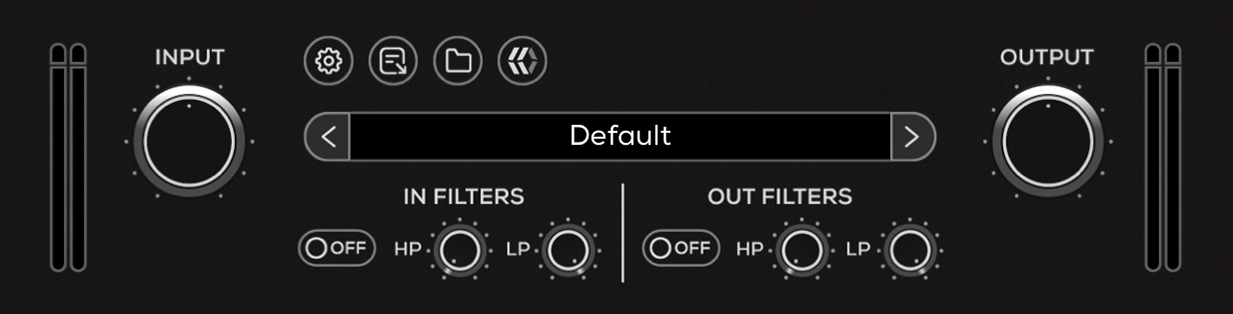
The top section of the plugin includes global controls such as:
Input Gain
Input Filters
Settings
About
Preset Browser
Output Filters
Output Gain
Operational Overview
The Small Clone uses a simple modulation circuit to create its chorus effect. A slightly pitch-shifted version of the signal is continuously varied over time and blended with the original signal, producing a rich, animated doubling effect.
With only Rate and Depth controls, the pedal is designed for fast, intuitive tone shaping—ranging from subtle thickening to deep, immersive modulation.
EHX Small Clone Controls
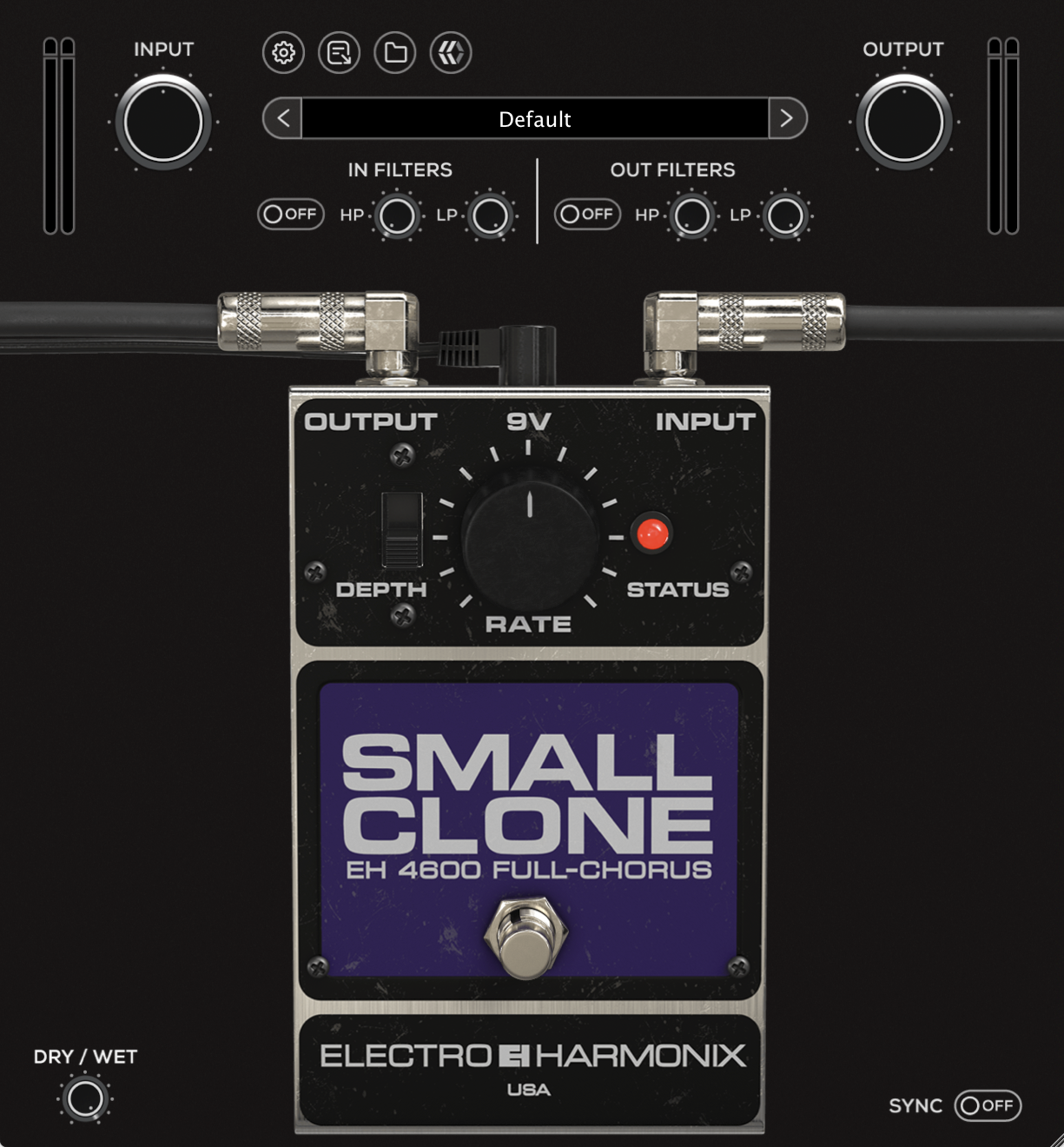
Depth
Controls the intensity of the modulation.
Lower settings produce a subtle pitch variation for gentle widening and thickness. Increasing Depth expands the modulation range, resulting in a more pronounced, detuned chorus effect with greater movement and character.
Rate
Controls the speed of the modulation from 0 Hz to 20 Hz.
At lower settings, the modulation is slow and smooth, adding subtle motion. Higher settings increase the speed of the pitch variation, creating a more noticeable swirling effect that can approach vibrato-like textures.
Status
Indicates whether the effect is active.
When engaged, the LED is illuminated and the chorus effect is applied. When disengaged, the signal passes through unaffected.
Pedal Bypass
Engages or disengages the pedal circuit.
When bypassed, only the pedal processing is disabled. Global features such as Input and Output filters remain active. To fully bypass the plugin, use the DAW’s plugin bypass control.
Dry / Wet
Controls the balance between the original (Dry) signal and the processed (Wet) chorus signal.
Lower settings retain more of the dry signal for subtle enhancement, while higher settings increase the presence of the modulated signal for a more pronounced effect.
Sync
Synchronizes the modulation rate to the host DAW tempo.
When enabled, the modulation speed follows tempo-based note divisions, allowing the chorus movement to stay rhythmically aligned with the track. When disabled, Rate operates freely.