

The following article is a condensed version of the user guide. You can learn about more features under the Plugin Interface Overview.
Overview
The original POG changed the way octave effects worked. Instead of glitching, choking, or falling apart on chords, it delivered fast, fully polyphonic tracking that transformed guitars, basses, synths, and entire mixes into something bigger. Recreated in plugin form, the EHX POG captures the unmistakable sound and response of the original hardware while expanding it for modern production workflows.
Artists Presets
The plugin includes artist presets. The presets can be accessed through the plugin preset menu.
Global Plugin Features
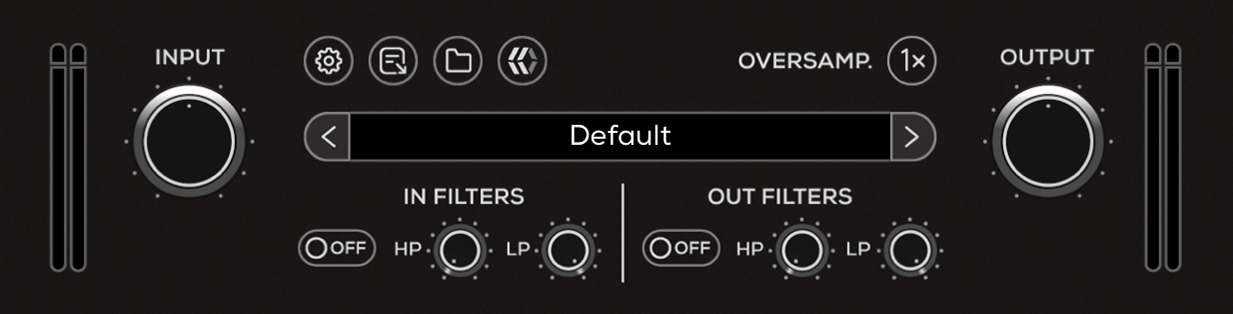
The top section of the plugin includes global controls such as:
Input Gain
Input Filters
Settings
About
Oversample
Preset Browser
Output Filters
Output Gain
Operational Overview
The POG is a fully polyphonic octave generator capable of tracking single notes, chords, and complex harmonic content with fast, stable response.
The plugin allows you to blend the original dry signal with multiple generated octave layers, including one octave below, one octave above, and two octaves above the input signal. Additional detuned octave voices can be introduced to create chorus-like textures, 12-string-style widening, organ-like layering, or more exaggerated octave effects.
The LP Filter shapes the generated octave signals and can also process the dry signal depending on the selected LPF Mode. Combined with the octave blend controls, the POG can move from subtle thickening and shimmer to dense harmonic layering and synth-like textures.
The interaction between the dry signal, octave levels, detuned voices, and filtering is central to shaping the overall character of the effect.
EHX POG Controls
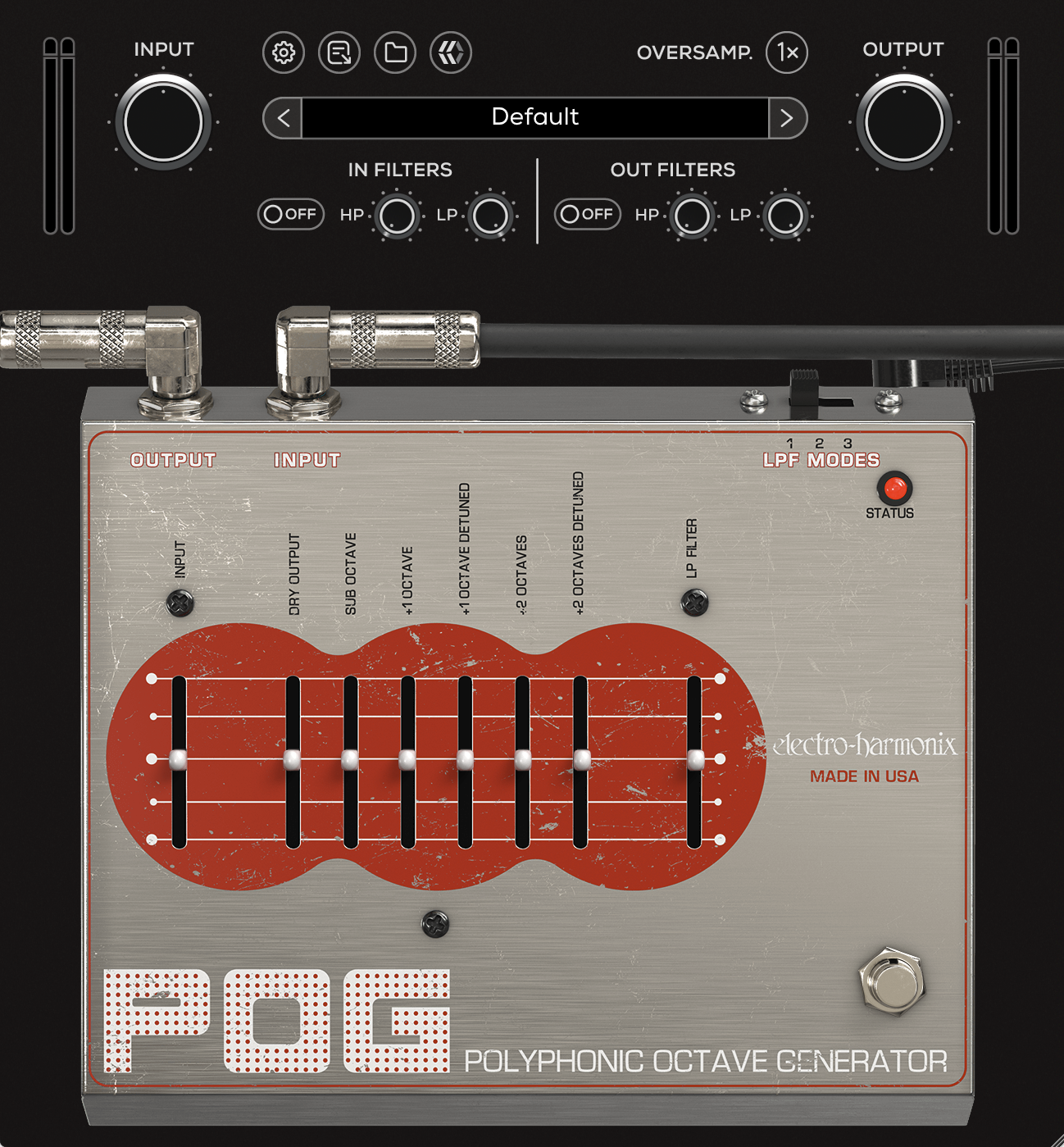
Input
Controls the level of the input signal entering the POG processing stage. Higher settings increase the input gain.
Dry Output
Controls the output level of the unprocessed dry signal.
Sub Octave
Controls the output level of the generated signal one octave below the original input.
+1 Octave
Controls the output level of the generated signal one octave above the original input.
+1 Octave Detuned
Controls the output level of a modulated, detuned version of the +1 Octave signal.
Blending this signal with the dry signal can create a 12-string-style effect.
+2 Octave
Controls the output level of the generated signal two octaves above the original input.
+2 Octave Detuned
Controls the output level of a modulated, detuned version of the +2 Octave signal.
Blending this signal with the detuned +1 Octave and dry signal can create dense layered octave textures similar to an 18-string-style effect.
LP Filter
Controls the cutoff frequency of the Low Pass Filter applied to the generated octave signals.
Depending on the selected LPF Mode, the dry signal may also pass through the filter.
LPF Modes
Selects between the three available Low Pass Filter modes.
Mode 1: The dry signal bypasses the LP Filter. The filter uses a lower resonance setting.
Mode 2: The dry signal also passes through the LP Filter with a lower resonance setting.
Mode 3: The dry signal passes through the LP Filter with increased resonance.
Status (LED)
Indicates whether the plugin is active or bypassed.
When the LED is illuminated, the effect is active. When the LED is off, the plugin is bypassed.
Bypass
Engages or disengages the pedal circuit.
When bypassed, only the pedal processing is disabled. Global features such as Input and Output filters remain active. To fully bypass the plugin, use the DAW’s plugin bypass control.