

The following article is a condensed version of the user guide. You can learn about more features under the Plugin Interface Overview.
Overview
Introduced in the 1970s, it quickly became one of the most distinctive flanger designs ever created. For decades, Electro-Harmonix has shaped modern music through groundbreaking effects, and the Electric Mistress remains one of the company’s most celebrated modulation designs.
Artists Presets
The plugin includes artist presets. The presets can be accessed through the plugin preset menu.
Global Plugin Features
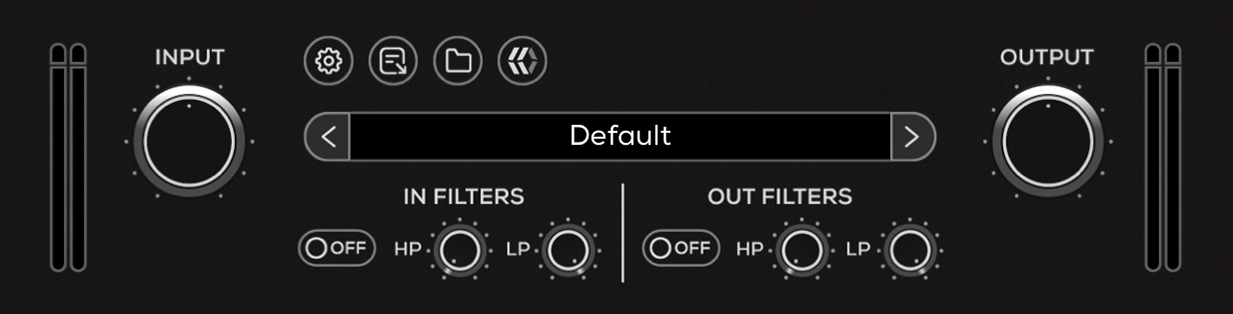
The top section of the plugin includes global controls such as:
Input Gain
Input Filters
Settings
About
Preset Browser
Output Filters
Output Gain
Operational Overview
The Electric Mistress is a modulation effect that blends the input signal with a delayed version of itself, creating sweeping comb-filter patterns. These moving notches and peaks produce the characteristic “whoosh” associated with flanging, while also allowing for more subtle chorus-like textures and static filtering effects.
EHX Electric Mistress Controls
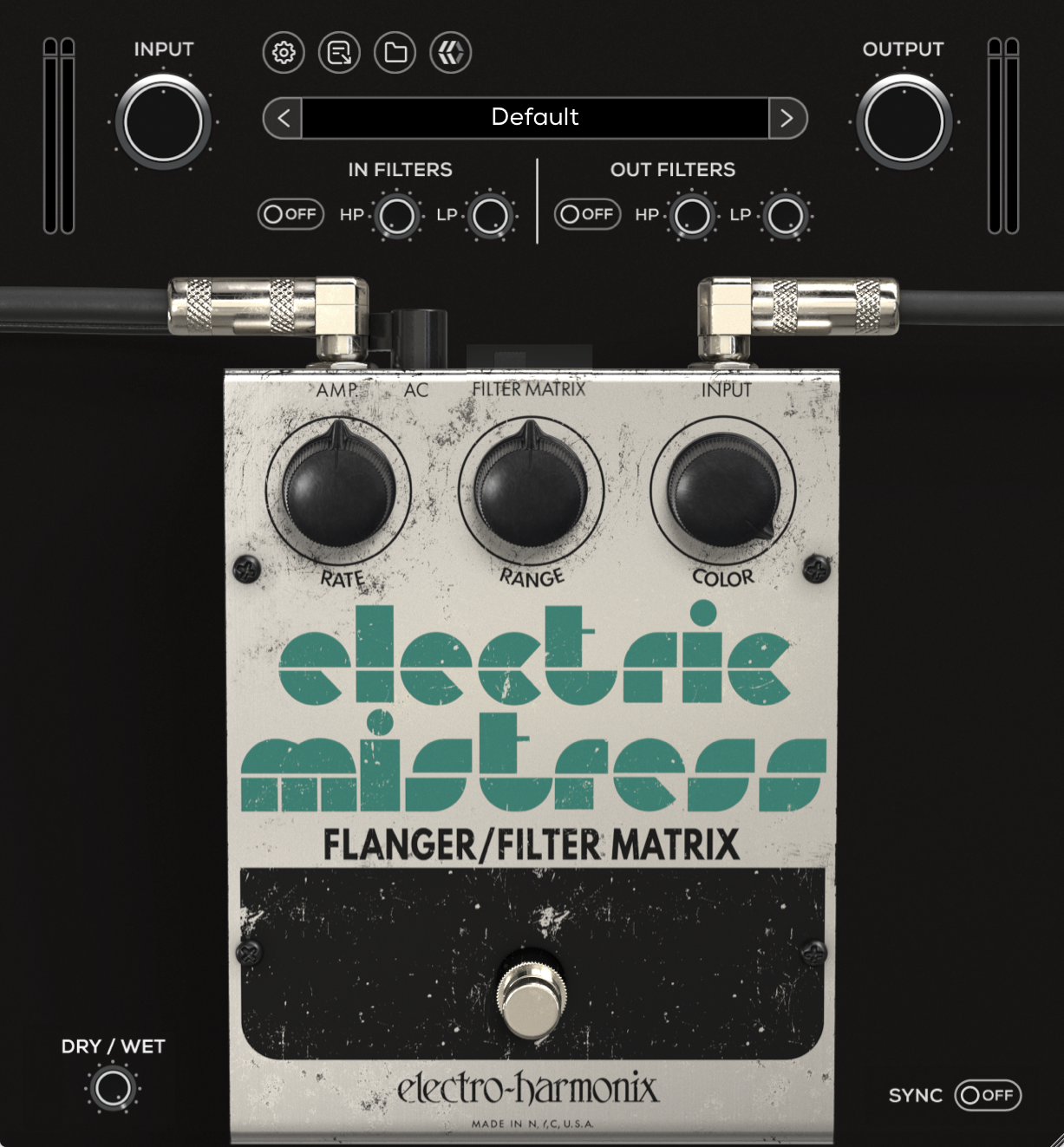
Filter Matrix
Freezes the modulation by disconnecting the LFO from the flanger circuit, creating a fixed comb-filter effect. The sweep is held in place, turning the effect into a static filter. The switch engages this mode when set to the left (ON), and returns to standard flanger modulation when set to the right (OFF).
Range adjusts the position of the filter peaks. Color controls the intensity and resonance of the filtering. Rate has no effect in this mode.
This mode can produce vocal-like tones, metallic resonances, and chime-like textures depending on how Range and Color are set.
Rate
Controls the speed of the modulation. Lower settings create slow, sweeping movement. Higher settings increase modulation speed, approaching vibrato-like behavior at extreme values.
Range
Sets the depth and lower limit of the modulation sweep. Lower settings produce a tighter, more subtle sweep. Higher settings extend the sweep further into the low frequencies, creating a deeper and more dramatic effect.
Color
Controls the intensity and feedback of the flanger. Lower settings result in a smoother, more subtle effect. Higher settings emphasize the comb-filter peaks, producing the classic “whoosh.”
At extreme settings, the circuit can enter self-oscillation. This is a normal characteristic of the design and can be reduced by lowering the Color control slightly.
Pedal Bypass
Engages or disengages the pedal circuit.
When bypassed, only the pedal processing is disabled. Global features such as Input and Output filters remain active. To fully bypass the plugin, use the DAW’s plugin bypass control.
Dry / Wet
Blends the unprocessed (dry) signal with the processed (wet) signal.
This allows for parallel-style processing, helping retain clarity and transient detail while introducing modulation.
Sync
Synchronizes the modulation rate to the host DAW tempo.
This allows the flanger movement to follow rhythmic divisions, making it easier to lock modulation to the timing of a track.