

The following article is a condensed version of the user guide. You can learn about more features under the Plugin Interface Overview.
Overview
What started as a conversation quickly evolved into something far beyond its origins. A few exchanged schematics then pushed things into entirely new territory. The result is Florist; a collaboration between Benson and Non-Human Audio, reimagined as a completely new approach to modulation in plugin form.
Benson Florist is also included as part of the Benson Monarch Collection and Benson Chimera Collection.
Global Plugin Features
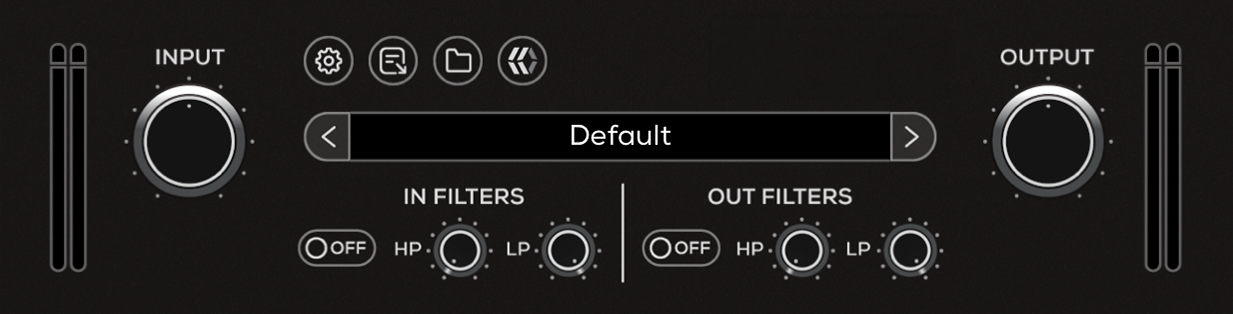
The top section of the plugin includes global controls such as:
Input Gain
Input Filters
Settings
About
Preset Browser
Output Filters
Output Gain
Operational Overview
Florist uses two fast delay lines blended with the dry signal to create responsive modulation. Each delay line reacts to your playing dynamics, allowing the effect to shift naturally from subtle movement to more complex, unstable textures.
The two paths can be shaped independently and combined to achieve anything from chorus-like widening to more experimental, phase-shifting sounds.
Engaging GHOSTS pushes the delay lines to the edge of feedback, introducing more aggressive, evolving modulation.
Florist can be used as a modulation effect or for more unconventional sound design, depending on how the two delay lines interact.
Benson Florist Controls
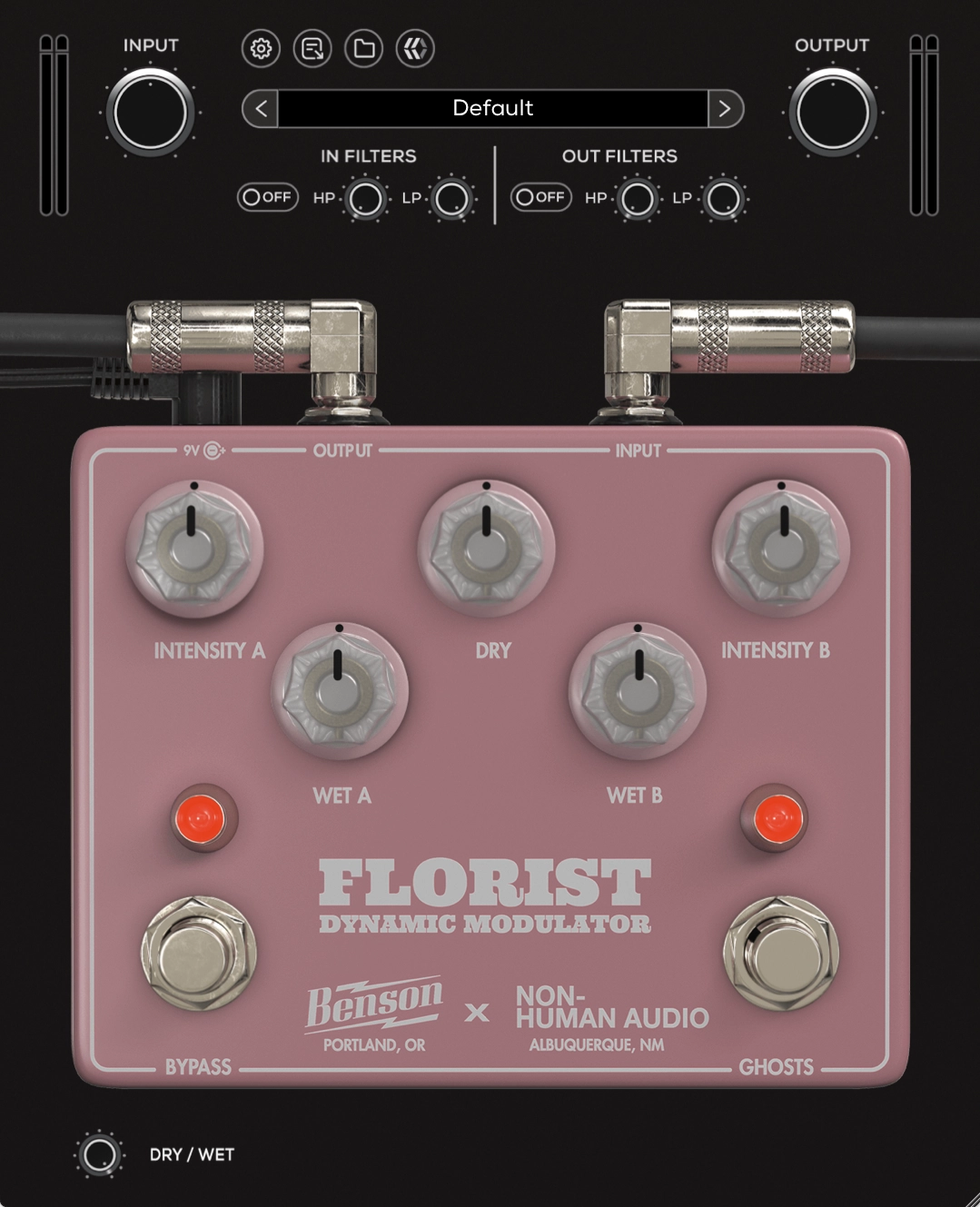
Intensity A
Adjusts the intensity of modulation for the first delay line.
Wet A
Adjusts the wet (processed) volume of the first delay line.
Dry
Adjusts the volume of the dry (clean) signal.
Wet B
Adjusts the wet (processed) volume of the second delay line.
Intensity B
Adjusts the intensity of modulation for the second delay line.
Bypass
Engages or disengages the Florist.
GHOSTS
Activates a feedback loop on the verge of feedback for each delay line.
Dry / Wet
Controls the level of blend between the dry (clean) input signal and the wet (processed) signal.