

The following article is a condensed version of the user guide. You can learn about more features under the Plugin Interface Overview.
Overview
Originating from a deep history of servicing tape and bucket brigade circuits, the Benson Delay was designed around a simple idea: repeats that feel alive. Not pristine and not perfect, but colorful, unstable, and musical in a way that evolves with every pass.
Benson Delay is also included as part of the Benson Monarch Collection and Benson Chimera Collection.
Global Plugin Features
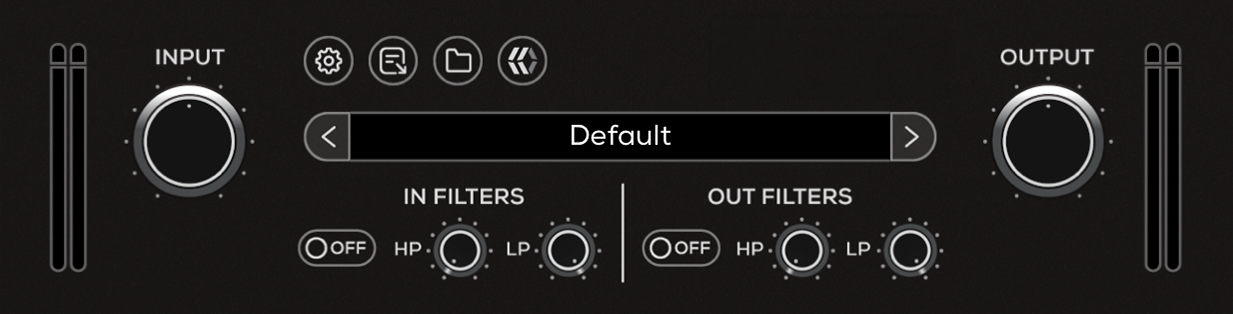
The top section of the plugin includes global controls such as:
Input Gain
Input Filters
Settings
About
Preset Browser
Output Filters
Output Gain
Operational Overview
Benson Delay uses a single delay line with built-in modulation to create repeats that move and evolve over time.
Time, Feedback, and Mix set the core behavior, allowing you to dial in anything from short slapback and chorus-like effects to longer, more ambient delays. As Feedback increases, repeats extend and can be pushed into self-oscillation.
Modulation is always present in the delay path. LFO Speed and Depth control how much movement is introduced, ranging from subtle warble to more pronounced pitch variation.
Benson Delay can be used for straightforward delay sounds or pushed further into modulation and more experimental textures, depending on how Time, Feedback, and modulation interact.
Benson Delay Controls
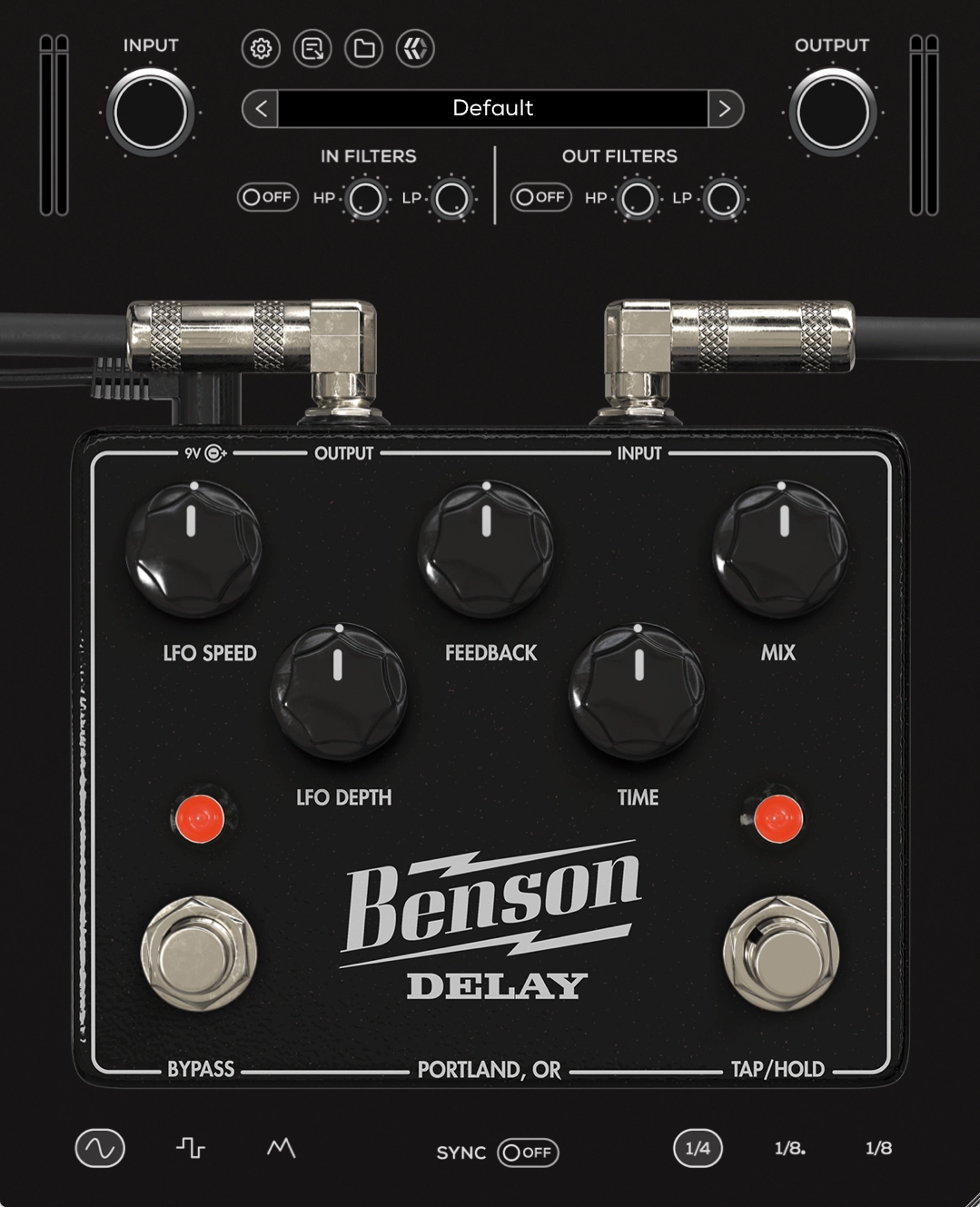
LFO Speed
Controls the rate of modulation applied to the delay time. Slower speeds create gentle movement, while faster speeds introduce more pronounced pitch modulation.
LFO Depth
Controls the intensity of the modulation. Lower values add subtle movement, while higher values introduce more noticeable pitch variation and instability.
Feedback
Controls how much of the delayed signal is fed back into the delay line. Lower settings produce a single repeat, while higher settings increase the number of repeats and can lead to self-oscillation.
Time
Sets the delay time interval between repeats from 30ms to 1250ms. Lower values produce tight slapback echoes, while higher values create longer, more spacious delays.
Mix
Blends the dry (clean) signal with the delayed (processed) signal.
Bypass
Engages or disengages the Delay pedal circuit.
Tap / Hold
Manually set the speed of the delay by clicking the Tap tempo button.
LFO Wave
Selects the shape of the modulation waveform.
Sine: Smooth, natural modulation
Square: Stepped, rhythmic modulation
Random: Irregular, unpredictable modulation for more experimental textures
Ratio
Sets the rhythmic division of the delay time relative to tempo.
Quarter: Standard tempo-based delay
Dotted Eighth: Rhythmic, syncopated delay feel
Eighth: Faster repeating delay pattern
Sync
Synchronizes delay time and/or modulation rate to the host DAW tempo. When enabled, timing-based controls follow the session BPM instead of free-running.